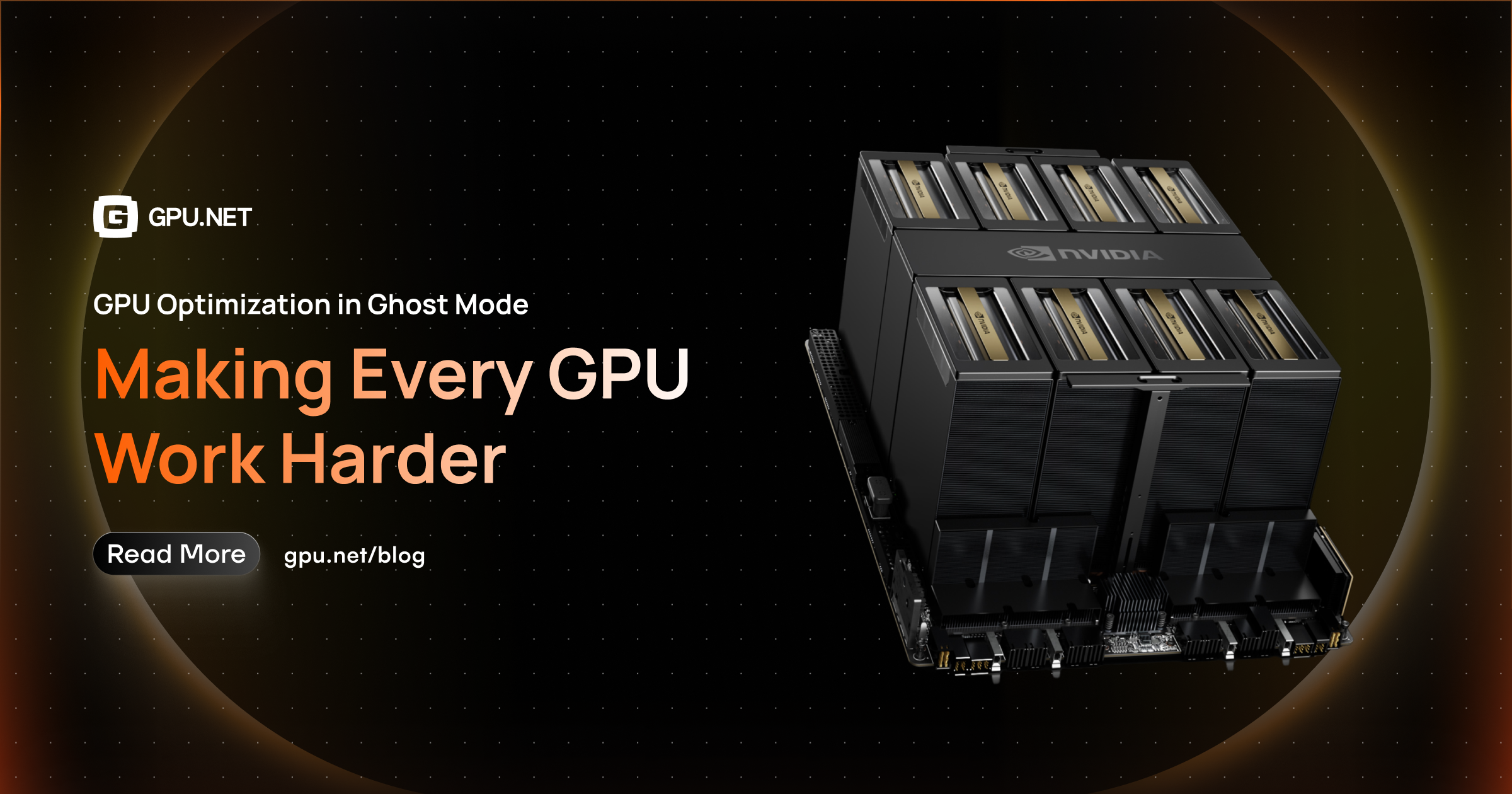
GPU Net in Ghost Mode: What AI Infrastructure Needs to Run Efficiently at Scale
AI infrastructure is entering a phase where simply having enough GPUs is no longer the main challenge. The harder question is whether those GPUs are actually doing useful work. Ghost Mode focuses on the capacity that is present but not producing enough useful work — and what power, cooling, networking, batching, partitioning, profiling and autoscaling can do about it.
AI infrastructure is entering a phase where simply having enough GPUs is no longer the main challenge.
The harder question is whether those GPUs are actually doing useful work.
A GPU can be provisioned, powered, connected, and assigned to a workload while still spending a surprising amount of time waiting. It may be sitting behind an inefficient data pipeline, holding memory for a model that receives very little traffic, processing requests in small batches, or remaining online long after demand has dropped.
At small scale, this inefficiency is easy to overlook.
At hundreds or thousands of GPUs, it becomes an infrastructure problem.
This is where GPU Net in Ghost Mode becomes a useful way to think about GPU efficiency. Rather than looking only at how many GPUs are deployed or what percentage of utilization a dashboard reports, Ghost Mode focuses on the capacity that is present but not producing enough useful work—and what can be done about it.
For organizations running AI inference, training, or mixed workloads, that distinction can determine whether GPU infrastructure scales economically or becomes an increasingly expensive collection of underused hardware.
The Hidden Cost of GPU Infrastructure
GPUs are among the most expensive resources in modern computing infrastructure.
But the hardware purchase or hourly rental cost is only one part of the equation.
A production GPU environment also requires:
- Power
- Cooling
- Networking
- Storage
- Scheduling
- Monitoring
- High-speed interconnects
- Operational support
- Capacity planning
Every GPU that remains active without producing proportional value consumes part of that infrastructure budget.
The problem becomes particularly visible with inference workloads.
An inference service might receive hundreds of requests during a traffic spike and almost none during the next hour. The GPU still needs to remain available if the service is configured around fixed capacity.
The hardware is ready.
The workload isn't.
That gap is what Ghost Mode is designed to expose.
What Does GPU Net Mean?
GPU Net is best understood as the useful output generated from the GPU capacity being consumed.
Traditional GPU monitoring tends to focus on individual measurements:
- GPU utilization
- GPU memory
- Temperature
- Power
- Throughput
These metrics are important, but they don't always explain whether the infrastructure is economically efficient.
Imagine two GPU deployments.
The first uses eight GPUs and processes 1 million inference requests per hour.
The second uses eight GPUs but processes only 300,000.
Both environments might report healthy GPU availability.
Both might even show periods of high utilization.
But the amount of useful work generated by the same infrastructure is very different.
GPU Net shifts the focus from GPU ownership to GPU productivity.
Ghost Mode adds another layer: identifying the unused capacity hiding inside that infrastructure.
What Is Ghost Capacity?
Ghost capacity is the GPU capacity that is allocated or available but isn't contributing enough useful work.
It can appear in several forms.
Idle Compute
The GPU is available to a workload but spends significant periods doing little computation.
This is common with bursty inference services.
Reserved Memory
A model can occupy substantial GPU memory even when request volume is low.
The GPU isn't completely free because the memory is occupied, but its compute capability may be largely unused.
Unbalanced Workloads
One GPU may be overloaded while another GPU in the same cluster remains lightly used.
The total cluster can appear healthy while individual resources are poorly balanced.
Overprovisioned Capacity
Teams often provision for peak demand.
That makes sense for reliability, but if peak capacity remains permanently deployed, the infrastructure can spend much of its life supporting traffic that isn't there.
Pipeline Waiting
Sometimes the GPU isn't the bottleneck at all.
The accelerator may simply be waiting for:
- CPU preprocessing
- Data loading
- Network transfers
- Tokenization
- Storage
- Synchronization
The GPU is powered and ready, but useful work is not reaching it quickly enough.
These are all different forms of ghost capacity.
Why GPU Utilization Alone Isn't Enough
A utilization percentage looks simple.
It can also be misleading.
Suppose a GPU reports 40% utilization.
That number doesn't tell you whether:
- the workload is intentionally capped at 40%
- the GPU is waiting for data
- the model is memory-bound
- requests are arriving in bursts
- the application is poorly batched
- the GPU is shared with other workloads
- the workload has excessive latency elsewhere in the stack
This is why efficient GPU infrastructure needs multiple signals.
A more complete view includes:
Compute + Memory + Throughput + Latency + Queueing + Workload Demand + Cost
Looking at these together gives a much better picture of what the GPU is actually doing.
The Infrastructure Behind Efficient GPU Usage
GPU efficiency isn't created entirely inside the GPU.
The surrounding infrastructure has a major influence on how much useful work an accelerator can produce.
Power and Capacity
High-performance GPUs consume significant amounts of power, particularly when deployed in dense clusters.
That means infrastructure teams need to consider not just how many GPUs can fit into a rack, but how much power those GPUs require and whether the facility can deliver it consistently.
An environment designed for conventional enterprise servers may not be prepared for sustained high-density AI workloads.
The same principle applies to GPU Net.
If a GPU is consuming valuable power but producing little useful work, the inefficiency extends beyond the compute layer.
Cooling
Every watt consumed by a GPU eventually becomes heat that needs to be removed.
As GPU density increases, cooling becomes increasingly important.
Poor thermal conditions can lead to performance throttling, reduced reliability, or constraints on how densely hardware can be deployed.
Efficient GPU infrastructure therefore needs to consider:
- Rack density
- Thermal headroom
- Cooling capacity
- Hardware configuration
- Workload intensity
A GPU that cannot sustain its expected performance isn't delivering its expected value.
Networking
Modern AI workloads often depend on high-speed communication between GPUs, servers, storage systems, and external services.
Training workloads can be particularly sensitive to communication overhead.
Inference systems have their own requirements, especially when models, data, and services are distributed across multiple machines.
If networking becomes a bottleneck, expensive GPUs can spend time waiting for information instead of processing it.
That is another form of ghost capacity.
Model Efficiency Comes Before Hardware Expansion
One of the simplest ways to improve GPU Net is to make the workload itself more efficient.
Adding GPUs increases capacity.
Optimizing the model can reduce the amount of capacity required in the first place.
Common techniques include:
Quantization
Lower-precision representations can reduce memory requirements and, depending on the workload and hardware, improve inference performance.
Pruning
Removing unnecessary parameters or structures can reduce the computational workload.
Distillation
A smaller model can be trained to reproduce much of the behavior of a larger model while requiring fewer resources.
Model Selection
Sometimes the biggest optimization is simply choosing a model that is appropriate for the task.
A relatively small classification or extraction task doesn't necessarily need the largest available model.
The best model isn't always the biggest model.
It is the model that delivers the required quality at an acceptable cost and latency.
Batching Is One of the Biggest GPU Efficiency Levers
GPUs are designed for parallel workloads.
Sending requests individually can leave some of that parallel processing capability unused.
Batching allows multiple requests to be processed together.
For high-throughput inference, this can dramatically improve the amount of useful work produced per GPU.
But batching isn't free.
Large batches can increase:
- Latency
- Memory usage
- Queueing
- Response variability
The correct approach depends on the application.
Real-time applications may need smaller dynamic batches.
Offline workloads can usually tolerate much larger batches.
The important thing is to tune batching around the actual workload instead of choosing a fixed value and leaving it unchanged.
GPU Partitioning Can Reduce Wasted Capacity
Not every workload needs an entire physical GPU.
A small model running on a large accelerator can leave significant capacity unused.
GPU partitioning provides a way to make that capacity available to other workloads.
MIG
NVIDIA Multi-Instance GPU can divide supported GPUs into isolated instances with dedicated portions of compute and memory.
This can be useful for:
- Smaller inference models
- Multi-tenant environments
- Predictable resource allocation
- Workloads with different performance requirements
Instead of dedicating a complete accelerator to every application, several workloads may be able to operate on different portions of the same hardware.
GPU Sharing
Other sharing mechanisms can allow multiple workloads to access a physical GPU.
This can be particularly useful for workloads that are intermittent rather than continuously compute-intensive.
The trade-off is that sharing requires careful consideration of performance isolation and workload behavior.
More workloads per GPU isn't automatically better.
The objective is more productive work per GPU, not simply more containers on a device.
Profile the Workload Before Scaling
When an AI application becomes slow, adding another GPU is an easy answer.
It isn't always the correct one.
Profiling can reveal where the actual bottleneck exists.
The problem might be:
- GPU kernels
- Memory bandwidth
- CPU preprocessing
- Data loading
- Network latency
- Storage
- Batch formation
- Synchronization
- Model execution
If the GPU is spending most of its time waiting for CPU preprocessing, doubling GPU capacity may have very little impact.
Profiling answers a more useful question:
What is preventing this GPU from doing more useful work?
Once that is understood, infrastructure teams can make a more targeted decision.
Autoscaling Changes the Economics
Fixed GPU capacity is easy to understand.
It is also expensive when demand changes.
AI workloads rarely have perfectly flat traffic.
Inference can change dramatically throughout the day. Training workloads start and finish. Batch processing creates temporary peaks.
Autoscaling allows infrastructure to respond to those changes.
A simplified pattern looks like:
Low demand   → fewer replicas → fewer GPUs
High demand  → more replicas  → more GPUs
Demand falls → capacity scales back down
For GPU workloads, scaling decisions can incorporate signals such as:
- GPU utilization
- GPU memory pressure
- Request rate
- Queue depth
- Concurrency
- Throughput
- p95/p99 latency
This is more meaningful than relying only on CPU utilization.
The Difference Between Capacity and Demand
One of the biggest infrastructure mistakes is designing the entire GPU fleet around the highest demand ever observed.
Peak capacity is necessary.
Permanent peak capacity isn't always necessary.
Consider an inference platform that requires 20 GPUs during its busiest period but only needs five GPUs for much of the day.
Keeping all 20 online provides excellent immediate availability.
It also means 15 GPUs are potentially underused for long periods.
A smarter system can maintain enough baseline capacity for normal traffic and add capacity when demand actually appears.
That is where Ghost Mode becomes operational rather than theoretical.
Ghost Mode: From Detection to Action
Ghost Mode can be viewed as a continuous optimization layer.
The process is straightforward:
Observe → Detect → Decide → Optimize → Verify
First, infrastructure observes what the GPUs are doing.
Then it detects unusual or inefficient patterns.
Next, it determines whether action is appropriate.
Possible actions include:
- Rebalancing workloads
- Adjusting replicas
- Changing GPU allocation
- Increasing batching
- Partitioning GPUs
- Moving workloads
- Scaling nodes down
- Selecting different hardware
- Changing serving configuration
Finally, the system verifies whether the change actually improved performance or cost.
This last step matters.
An optimization that saves money but destroys latency isn't necessarily an optimization.
The system needs to measure the outcome.
GPU Net Should Connect Infrastructure to Cost
Infrastructure teams often know how much a GPU costs per hour.
That isn't the same as knowing how efficiently the GPU is being used.
More useful measurements include:
- Cost per inference
- Cost per 1,000 requests
- Cost per million tokens
- Throughput per GPU
- GPU-hours per workload
- Idle GPU time
- Cost by application
- Cost by team
- Cost by model
These metrics turn GPU optimization into a business discussion.
Instead of saying:
GPU utilization increased by 12%.
You can say:
The service processes more requests per GPU while maintaining its latency target and reducing infrastructure cost per request.
That is a much more useful outcome.
Training and Inference Need Different Strategies
Not every AI workload should be optimized in the same way.
Inference
Inference workloads are often:
- Bursty
- Latency-sensitive
- Sensitive to request volume
- Good candidates for dynamic batching
- Good candidates for autoscaling
- Potential candidates for GPU sharing
The primary objective is usually to balance cost, throughput, and response time.
Training
Training workloads are typically:
- Compute-intensive
- Longer-running
- More predictable while active
- Sensitive to GPU-to-GPU communication
- Dependent on storage and networking performance
For training, the biggest gains may come from scheduling, hardware selection, distributed execution, checkpointing, and keeping expensive GPUs continuously productive while jobs are running.
The optimization strategy should follow the workload.
Don't Ignore the Data Pipeline
An efficient model running on an inefficient pipeline can still produce poor GPU Net.
For example, a computer vision workload may have an extremely fast GPU but slow image decoding.
An LLM application may have powerful GPUs but spend excessive time tokenizing requests.
A recommendation model may be waiting for data retrieval.
In each case, the GPU has capacity.
The application isn't delivering work to it efficiently.
Techniques such as prefetching, caching, asynchronous processing, pipeline parallelism, and better data preparation can reduce these idle periods.
The lesson is simple:
GPU optimization is an end-to-end problem.
Choosing the Right GPU Matters
More expensive hardware isn't automatically more economical.
A high-end GPU can be the right choice for a large model or demanding training workload.
It may be unnecessary for a smaller inference service.
GPU selection should consider:
- VRAM requirements
- Compute requirements
- Model architecture
- Batch size
- Throughput targets
- Latency targets
- Power consumption
- Availability
- Cost
The most efficient deployment is often the one where the hardware matches the workload closely.
Overpowered hardware can create its own form of ghost capacity.
Building a GPU Net Strategy
Organizations don't need to optimize everything at once.
A practical approach starts with visibility.
Step 1: Inventory the GPU Fleet
Understand:
- GPU models
- Memory capacity
- Location
- Workload assignments
- Cost
- Utilization
Step 2: Measure Real Workload Behavior
Track:
- Compute utilization
- Memory utilization
- Throughput
- Latency
- Request volume
- Queue depth
Step 3: Find Ghost Capacity
Look for:
- Long idle periods
- Oversized allocations
- Uneven workload distribution
- Memory-heavy but compute-light workloads
- Overprovisioned replicas
Step 4: Apply the Right Optimization
Depending on the problem, that might mean:
- Model optimization
- Batching
- Partitioning
- Sharing
- Autoscaling
- Better scheduling
- Hardware changes
Step 5: Measure the Result
Compare before vs. after for:
- Cost
- Throughput
- Latency
- Utilization
- Capacity
Optimization only counts when the result can be measured.
The Future of AI Infrastructure Is More Adaptive
The next generation of GPU infrastructure will be less static.
Instead of asking how many GPUs an organization needs for the next year, infrastructure teams will increasingly ask how much capacity a workload needs right now.
That requires systems that understand workload behavior continuously.
A GPU should not simply be:
Allocated or Unallocated
There is a much larger spectrum:
Underused → Productive → Saturated → Bottlenecked
The infrastructure needs to recognize where each workload sits on that spectrum and respond accordingly.
That is the larger promise of Ghost Mode.
It turns the GPU from a static infrastructure asset into a resource that can be continuously observed, optimized, and matched to actual demand.
Conclusion
AI infrastructure is becoming more powerful—and more expensive.
As GPU clusters grow, small inefficiencies stop being small.
- An idle GPU consumes capacity.
- An oversized model consumes memory.
- A poorly tuned batch wastes compute.
- A slow data pipeline leaves accelerators waiting.
- A fixed fleet can remain online long after demand has disappeared.
GPU Net in Ghost Mode provides a different way to approach the problem.
Instead of asking only how many GPUs are running, it asks how much useful work those GPUs are producing.
Instead of treating unused capacity as invisible, Ghost Mode looks for it.
And instead of relying on occasional manual optimization, it creates a continuous loop:
Measure → Understand → Optimize → Verify → Repeat
The goal isn't maximum GPU utilization at any cost.
The goal is something more practical:
More AI work from every GPU, with less wasted capacity and more predictable infrastructure economics.
For organizations building AI at scale, that difference can become one of the most important infrastructure advantages they have.
Frequently Asked Questions About GPU Net and Ghost Mode
What is GPU Net?
GPU Net is a way to evaluate GPU infrastructure based on the useful work generated from the GPU capacity being consumed, rather than looking only at allocation or raw utilization.
What is Ghost Mode?
Ghost Mode focuses on identifying GPU capacity that is allocated or available but isn't producing enough useful work, then finding ways to make that capacity productive.
Why isn't GPU utilization enough?
A utilization percentage doesn't explain why a GPU is underused. The GPU may be waiting for data, constrained by memory, affected by batching, or simply serving a workload with very low demand.
How can I reduce GPU waste in inference?
Start with model optimization, batching, GPU sharing or partitioning, workload profiling, and demand-based autoscaling. The right combination depends on the application's latency and throughput requirements.
Should every workload use GPU sharing?
No. Sharing can improve density, but workload isolation, memory requirements, performance sensitivity, and interference need to be considered before choosing a sharing strategy.
How does autoscaling improve GPU economics?
Autoscaling adjusts GPU capacity according to demand. It can reduce unnecessary capacity during quiet periods while adding resources when traffic increases.
What is the best way to find ghost capacity?
Start by combining GPU compute utilization with memory usage, workload demand, throughput, queue depth, latency, and cost. Looking at these signals together makes hidden inefficiencies much easier to identify.
Is 100% GPU utilization the goal?
Not necessarily. A GPU running continuously at maximum capacity may have no room for traffic spikes and can create latency problems. The objective is high productive utilization while maintaining the required performance and reliability.













![GPUNET Verifiable Exchange: The Next Frontier for $GPU, Nodes and Ecosystem [TEASER]](https://i.ibb.co/Z1JWjN7r/Article-Cover.png)