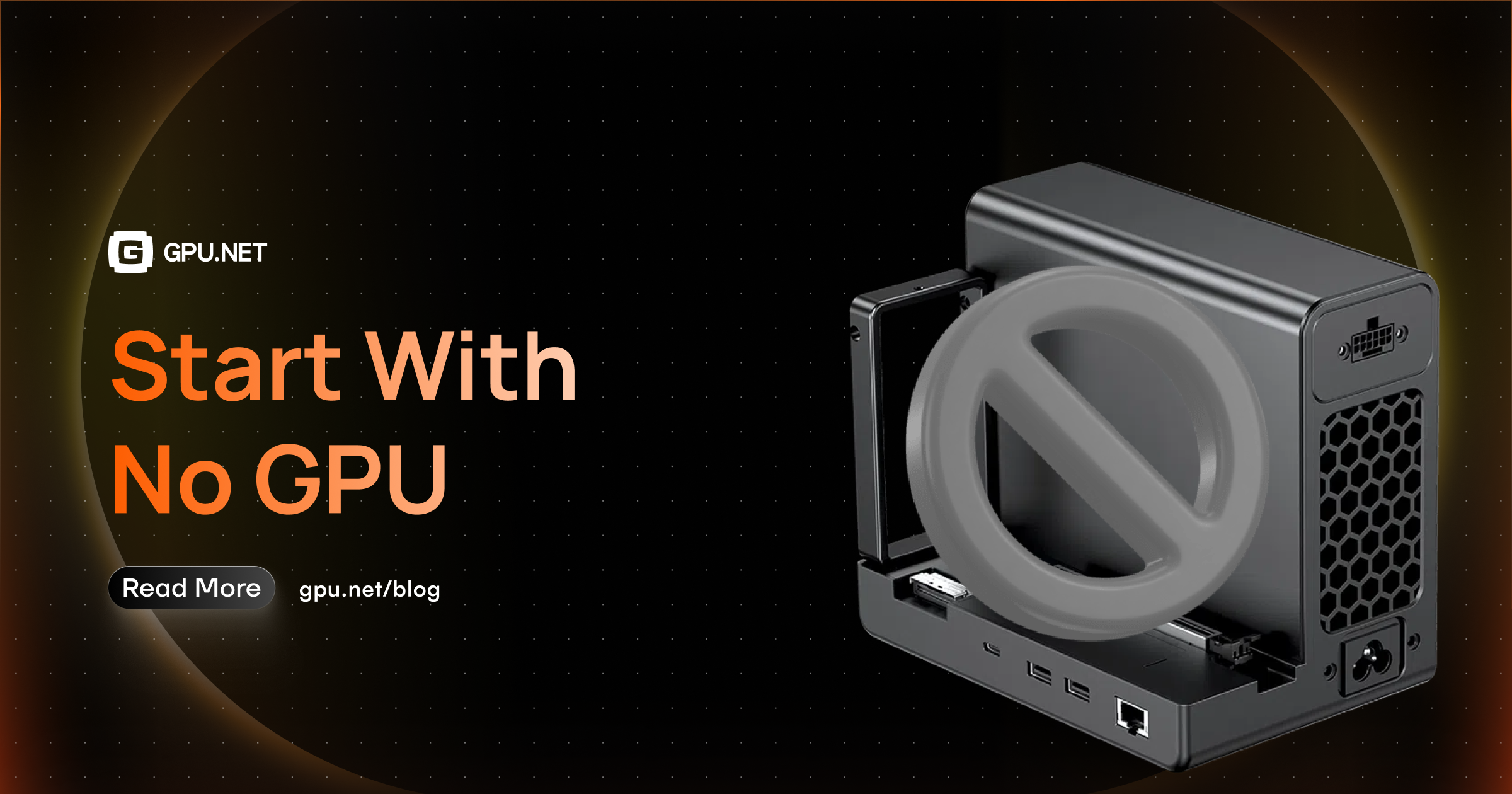
Start With No GPU
The most expensive GPU in your fleet is often the one that was never needed in the first place. A surprising amount of an ML workload's lifecycle — the part where bugs actually get found — is CPU work wearing a GPU costume. This piece is a practical guide to validating on CPU first, and knowing exactly where that stops working.
Core GPU Cost Series
The most expensive GPU in your fleet is often the one that was never needed in the first place — the one someone provisioned on day one, before a single line of the model or pipeline had been tested, because "we're doing ML work" felt like it obviously meant "we need a GPU."
Most of the time, you don't. Not yet. A surprising amount of an ML workload's lifecycle — the part where bugs actually get found — is CPU work wearing a GPU costume.
This piece is a practical guide to validating on CPU first, and knowing exactly where that stops working.
Why this is a real strategy, not a cost-cutting trick
It's tempting to read "start with no GPU" as a budget tip. It's really a debugging tip that happens to save money.
GPU time is expensive per hour, but it's catastrophically expensive per debugging cycle. Provisioning a GPU instance, waiting for it to spin up, running a job, watching it fail on something that had nothing to do with the model — a shape mismatch, a bad config key, an off-by-one in your data loader — and repeating that loop five or ten times before you find the real bug, is a slow and costly way to catch mistakes that CPU would have caught in seconds, locally, for free.
The earlier a bug is catchable, the cheaper the hardware you should be catching it on.
What actually needs to run on CPU first
Not everything transfers cleanly to CPU-only validation, but more does than most teams assume.
1. Data pipeline correctness
Loading, preprocessing, batching, augmentation, tokenization — none of this is GPU-bound work. If your data loader produces malformed batches, wrong shapes, or silently drops samples, that's true on CPU and GPU alike. Catch it where iteration is instant.
2. Model architecture and shape logic
Does the forward pass run end to end? Do tensor shapes line up through every layer? Does the loss function receive what it expects? A tiny model — same architecture, drastically reduced width/depth/layer count — will surface almost every shape and wiring bug a full-size model would, in a fraction of the time.
3. Training loop mechanics
Checkpointing, logging, the optimizer step, learning rate scheduling, gradient accumulation logic, distributed training scaffolding (not distributed training itself) — these are orchestration concerns. A training loop that's broken will be broken identically whether the tensors live on a CPU or a GPU.
4. Config and experiment plumbing
Hyperparameter parsing, experiment tracking hooks, artifact saving, the CLI or config system driving all of it — entirely hardware-independent. If this breaks, you want to know before it breaks three hours into a paid GPU run.
A practical CPU-first workflow
Step 1 — Shrink everything. Cut the model down (fewer layers, smaller hidden dims), cut the dataset down (a few hundred samples, or a synthetic stand-in with the right shapes), cut the batch size down. The goal isn't realistic performance — it's a fast, cheap loop that exercises the same code paths.
Step 2 — Run the full pipeline end to end on CPU. Data loading → forward pass → loss → backward pass → optimizer step → checkpoint → logging. Every stage, even if it takes seconds and produces meaningless numbers. You're testing that the machine runs, not that it learns.
Step 3 — Verify the loss actually moves. On a tiny model and a tiny dataset, loss should decrease — often within a few dozen steps, sometimes down to near-zero if you're deliberately overfitting a handful of examples. If loss is flat or NaN, that's a real bug, and it's dramatically cheaper to find here than on a GPU cluster three epochs into a real run.
Step 4 — Exercise the failure paths on purpose. Kill the process mid-run — does checkpointing recover cleanly? Feed it a malformed batch — does it fail with a useful error or a cryptic stack trace from four layers down? These are the bugs that are brutal to debug on rented GPU time and trivial to debug locally.
Step 5 — Only then, scale up. Once the loop runs clean on CPU, move to GPU — but start with the smallest real instance, a single GPU, a short run. Confirm parity: does the loss curve on GPU look like the CPU sanity run, just faster? Only after that checks out should you move to full scale, multi-GPU, or distributed training.
Where CPU-first stops working — and that's fine
This isn't a case for avoiding GPUs. It's a case for sequencing when you reach for one. Some things genuinely need GPU hardware to validate, and pretending otherwise just moves the expensive debugging cycle to a worse place — production:
- Actual model quality and convergence at scale. A tiny model overfitting ten examples tells you the pipeline works. It tells you nothing about whether the real architecture will actually learn at real scale.
- Memory-bound issues. OOM errors, activation memory pressure, batch sizes that only break at realistic scale — these are GPU-specific and won't show up in a CPU sanity check.
- Distributed training correctness. Scaffolding can be tested on CPU; actual multi-GPU communication, gradient synchronization, and scaling behavior can't be faithfully validated without the real hardware.
- Throughput and latency numbers. If the deliverable is a performance number, CPU can't give you one that means anything.
The rule of thumb: if a bug would look the same on CPU and GPU, find it on CPU. If a bug only exists because of GPU-specific behavior, you need GPU hardware to find it — but by the time you get there, that should be nearly the only kind of bug left.
Why this matters for the rest of this series
Every piece in this series so far — ghost capacity, human-in-the-loop scaling, GPU Net sitting above Kubernetes — is about not wasting GPU capacity that's already been provisioned. This piece is the step before all of that: not provisioning capacity you didn't need to spend in the first place.
The cheapest ghost GPU to recover is the one that never got requested.












![GPUNET Verifiable Exchange: The Next Frontier for $GPU, Nodes and Ecosystem [TEASER]](https://i.ibb.co/Z1JWjN7r/Article-Cover.png)